
 SEA
SEA
 AIR
AIR
 RAIL
RAIL
 ROAD
ROAD
 COSCO
COSCO
 SITC
SITC
 PACIFIC LINES

Step 1: On page Phaata, select "Sign in / Forgot password" - www.phaata.com

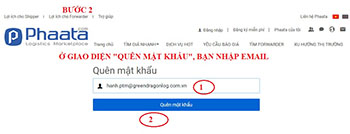
Step 2: On "Forgot password" page:
- (1) Input your email register
- (2) Click “Forgot password
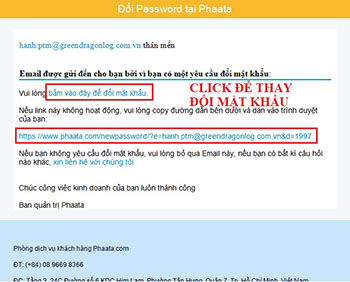
Step 3: Phaata send to change password email, you click on attached link.
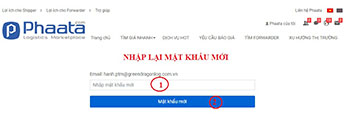
Step 4: On this page, you could:
- (1) Enter your new password
- (2) Click “Create new password”